
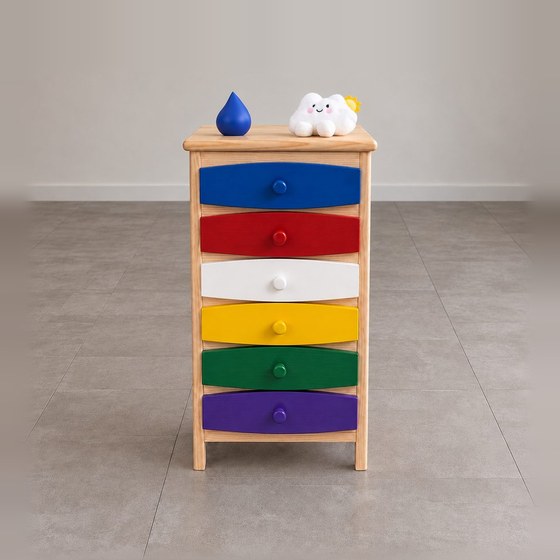
Puck and the six drawers
Sign up for Puck
Puck is a hundred-year-old cabinet, for adults aged 18 and over with a question from daily life. To talk with Puck you need an account. You make it yourself, in the app on your phone. It opens at once.
Without an account you can only have a short trial talk with Puck in the app. For the drawers, the books and what you keep in the purple drawer, you make an account.
Puck on your phone
iPhone
Puck is still in its test phase. That is why on the iPhone you install it through TestFlight: Apple’s free app for apps that are still being tested. Soon Puck will be in the App Store itself.
- Put TestFlight on your iPhone. It is free, in the App Store: TestFlight in the App Store.
- Then tap the button below. Puck opens in TestFlight; tap install there.
Android
On Android, Puck is in a closed test through Google Play. The button below works once the Google account on your phone is on our test list. Email that address to koen@mindfulnessinc.org and we will add it.
Join on AndroidHow to make your account
- Put Puck on your phone, as described above.
- Open Puck and tap Create an account.
- Fill in your email address and tick that you are 18 or older.
- You receive a code by email. Fill it in and you are in. No password is needed.
For now, an account is made only in the app.
What happens to your data is in the privacy statement.